Dexsport liquidity pool
· last updated
Dexsport uses shared liquidity for betting and takes sports and esports stakes from the currency pool selected in its header. Choose the currency you intend to wager from the combinations that the platform supports. When using a Web3 wallet, its active network must match the network selected on Dexsport.
Which Currency Should You Choose?
A supported DESU pool allows a sports stake denominated in Dexsport's ecosystem token. Another supported currency pool allows the stake to be denominated in that currency. Both choices depend on the currency and network combination available on the platform; the token name alone does not establish compatibility across networks.
Deposit and withdrawal fees and processing times depend on the asset, network congestion, and other technical conditions.
Dexsport restricts deposits and bets to players of legal age, who must comply with the gambling laws of their country of residence.
Currency and Network Settings
The network and currency controls are in the top-right corner of Dexsport. The currency selection identifies the pool from which a bet draws its stake. The network selection identifies the blockchain that a connected Web3 wallet must match.
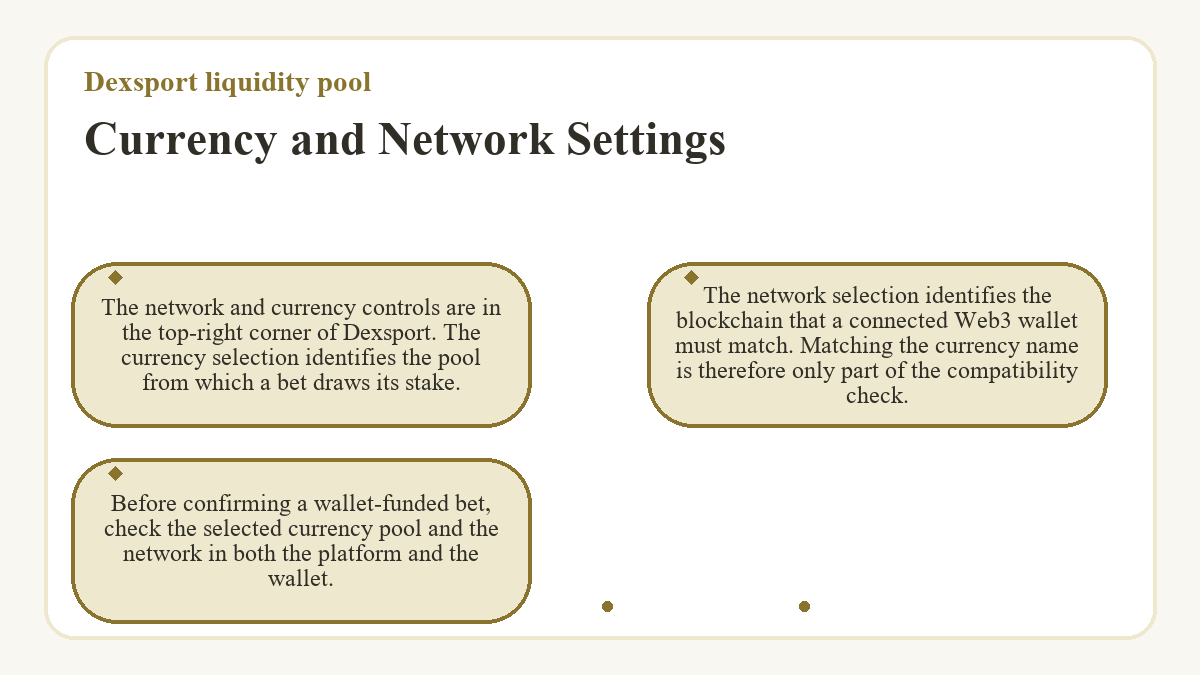
Matching the currency name is therefore only part of the compatibility check. Before confirming a wallet-funded bet, check the selected currency pool and the network in both the platform and the wallet.
Pool Capacity and Event Limits
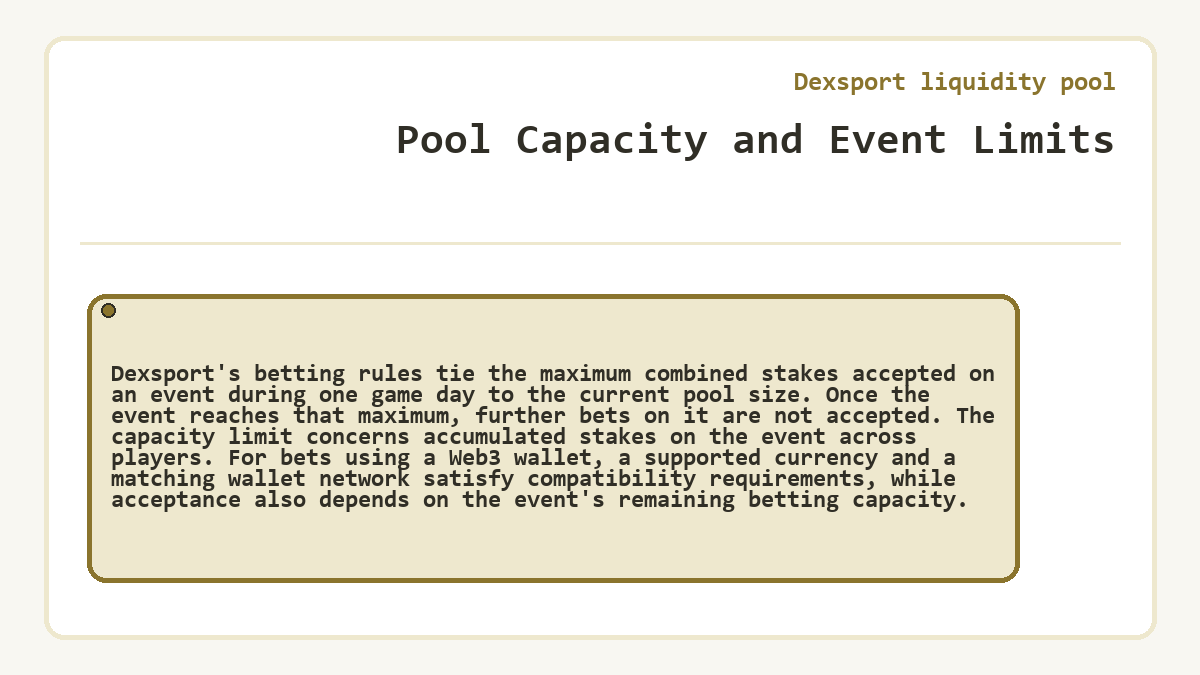
Dexsport's betting rules tie the maximum combined stakes accepted on an event during one game day to the current pool size. Once the event reaches that maximum, further bets on it are not accepted.
The capacity limit concerns accumulated stakes on the event across players. For bets using a Web3 wallet, a supported currency and a matching wallet network satisfy compatibility requirements, while acceptance also depends on the event's remaining betting capacity.
Currency Pool Decision Checklist
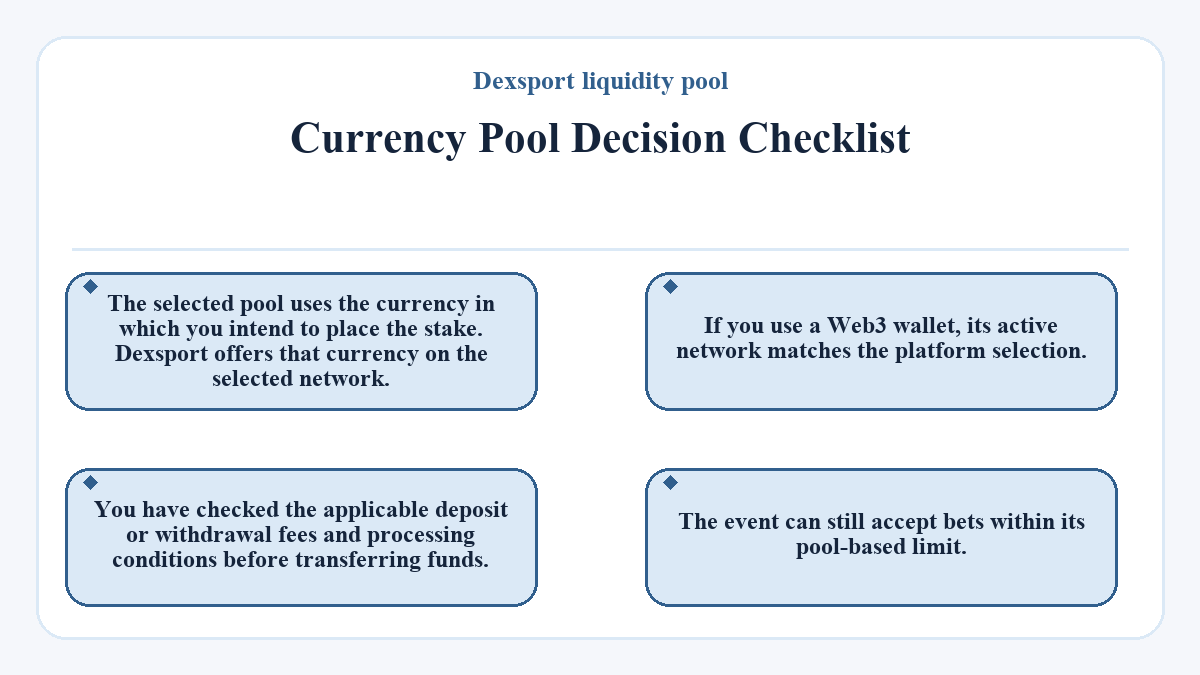
- The selected pool uses the currency in which you intend to place the stake.
- Dexsport offers that currency on the selected network.
- If you use a Web3 wallet, its active network matches the platform selection.
- You have checked the applicable deposit or withdrawal fees and processing conditions before transferring funds.
- The event can still accept bets within its pool-based limit.